Best Websites for Horror Art References
The right horror art reference sites can take your work from mildly unsettling to “burn the sketchbook and move house.” Whether you’re fine-tuning unsettling proportions, capturing that perfect undead stare, or just need a little nightmare fuel to get the creative juices oozing, the internet has you covered. From twisted anatomy breakdowns to eerie stock photos, these resources will help bring your darkest ideas screaming to life.
These references are best used as visual support for anatomy, mood, lighting, and unsettling details rather than strict step-by-step guides.
Explore the categories below – each one opens the crypt door to a different kind of horror goldmine.
1. Anatomy reference websites
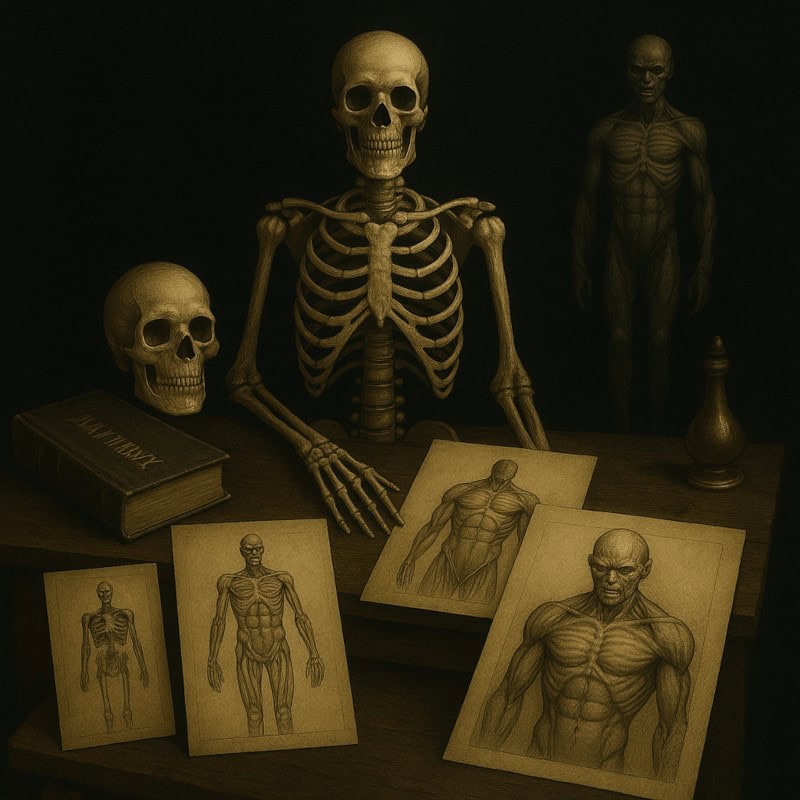
This section is perfect for studying the human form, skeletal structure, and muscle anatomy. Whether you’re sketching shambling corpses or lanky horrors with too many joints, solid anatomy references are essential.
These sites focus on realism first, which is exactly what makes later distortions feel unsettling instead of accidental.
Solid anatomy knowledge is what lets you break bodies in unsettling ways while still keeping them believable, which is where horror really starts to shine.
If anatomy feels overwhelming, start with skeletons and basic poses before diving into muscle detail.
What this section includes:
- Human anatomy breakdowns
- Skeleton and muscle studies
- Unnatural limb poses for horror characters
- High-res photos and sketch resources
Understanding human anatomy is key, especially when planning to butcher it artistically. These resources show you how bodies are supposed to look, so you can joyfully twist, snap, and stretch them into grotesque masterpieces. Want a lanky creature with way too many joints or a rotting ghoul mid-lurch? Start with solid anatomy, then let the horror mutations begin.
Suggested websites:
- Bodies in Motion
👉 https://www.bodiesinmotion.photo/
Bodies in Motion is a high-quality reference library featuring real human models captured in natural movement. It’s ideal for studying how weight shifts, limbs swing, and bodies transition between poses, making it especially useful for understanding believable motion before exaggerating or distorting figures for horror artwork. - Sketchfab
👉 https://sketchfab.com/
Sketchfab hosts a searchable gallery of 3D models, including neutral skeletal and muscle figures. Artists can rotate and zoom in on human anatomy from any angle, helping you understand how bones and muscles look in space before you start bending or breaking forms. Use search terms like “anatomy skeleton,” “muscle anatomy,” or “human skeleton” and filter for free or educational models to find references that suit your needs.
Tip: When using 3D models, rotate them slowly and sketch the same pose from three angles. It’ll build muscle memory for how anatomy holds up before distortion. - Line of Action
👉 https://line-of-action.com/
Line of Action is a figure drawing reference site that provides timed pose sessions using real human models. It’s especially useful for studying proportions, balance, and natural movement, helping you understand how bodies hold weight and flow before you start exaggerating or breaking poses for horror characters. - POSEMANIACS
👉 https://www.posemaniacs.com/en
Posemaniacs offers muscle-highlighted human poses that push anatomy into more extreme stretches and contortions. It’s especially useful for studying how far limbs can twist and bend while still feeling structurally believable, making it a great resource for developing unsettling or unnatural poses in horror characters.
Note: The interface is a bit dated, but the anatomical clarity of the poses makes it worth exploring. - Anatomy for Sculptors
👉 https://anatomy4sculptors.com/
Anatomy for Sculptors is an artist-focused anatomy resource that breaks down the human body in a clear, visual way. It covers skeletal structure, muscle groups, and surface anatomy, making it especially useful for understanding what’s happening beneath the skin. This is an excellent foundation reference before exaggerating proportions, twisting limbs, or pushing bodies into unsettling horror designs.
Tip: Focus on skulls, rib cages, and major muscle groups; they’re the areas that matter most when designing believable horror figures.
2. Animal anatomy resources
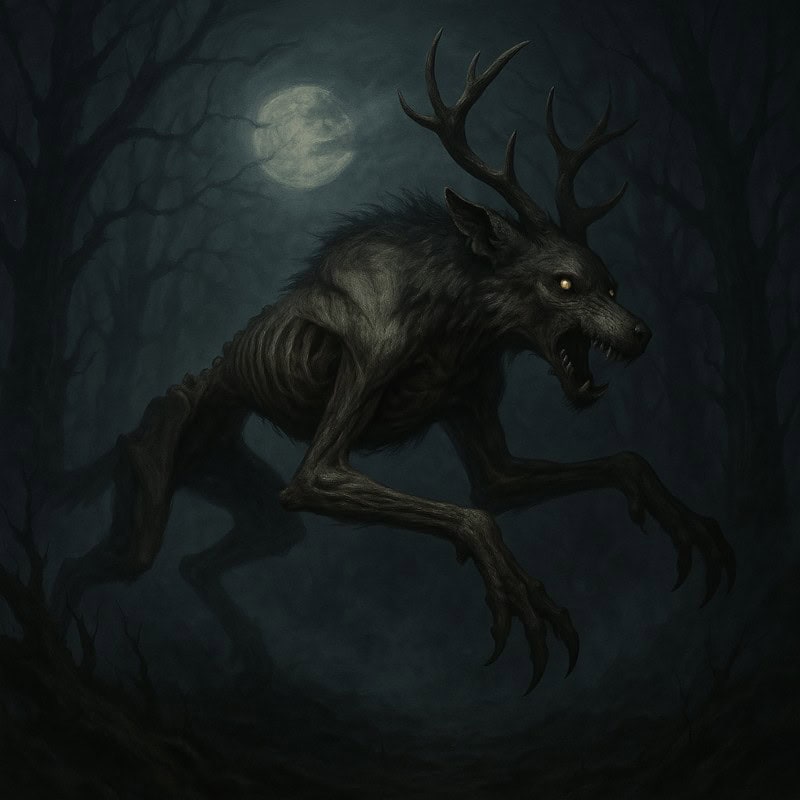
Perfect for designing realistic horror creatures, studying animal anatomy helps you twist and morph real-world beasts into monstrous hybrids that still feel anatomically believable (and terrifyingly plausible). Whether you’re mutating a wolf, designing a skeletal deer-demon, or stitching together a nightmare mash-up, grounding your designs in real animal structure keeps them creepy for the right reasons.
Compared to human anatomy, high-quality online animal anatomy references are more limited, especially those that show both structure and movement in a clear, artist-friendly way. Because of that, this section focuses on a single, flexible tool that covers the most important fundamentals without sending you down a dead-end research rabbit hole.
You don’t need to memorise every muscle, just enough to understand how the body holds together.
What this section includes:
- Animal muscle and bone structure references
- Creature movement and pose studies
- Hybrid anatomy support for monster mash-ups
Recommended reference tool:
- Sketchfab
👉 https://sketchfab.com/
Sketchfab hosts a wide range of rotatable 3D animal models, including skeletons, muscle studies, and animals captured in motion. Being able to rotate and zoom in on quadrupeds, joints, and movement from every angle makes it especially useful for studying anatomy, gait, and pose before combining animal traits into believable horror hybrids.
This makes it ideal for:
- Understanding how animal joints actually move
- Studying weight distribution and balance
- Planning hybrid creatures without breaking anatomy completely (unless you mean to)
Tip: Search for terms like “animal skeleton,” “quadruped anatomy,” or specific species, and filter for educational or free models to find the most useful references.
3. Horror-themed reference galleries
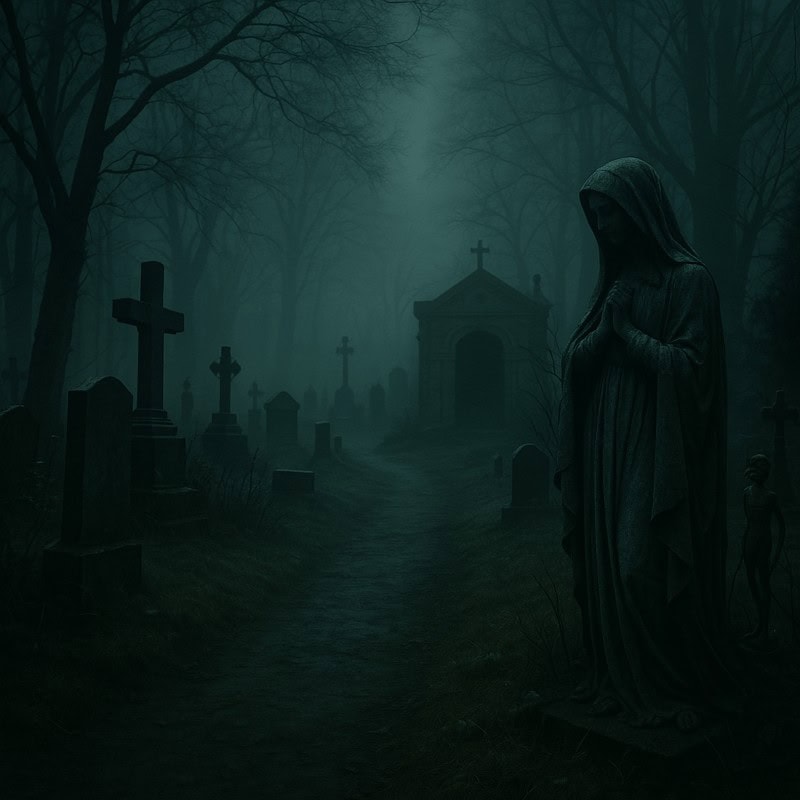
This section features collections of eerie, gothic, and horror-specific reference material. Think haunted hospitals, foggy forests, creepy dolls, and haunted eyes that follow you.
What this section includes:
- Atmospheric photography
- Horror creature inspiration
- Costume and prop references
- Concept art galleries from indie and AAA horror games
Sometimes, inspiration hits you when you stumble across a photo that feels just a bit too cursed. These galleries will soon be your go-to vaults for eerie locations, twisted outfits, and haunting creature concepts. Think foggy graveyards, stitched-up mannequins, and Victorian dolls that are 100% plotting your demise.
Suggested websites:
- ArtStation
👉 https://www.artstation.com/
ArtStation is a goldmine for high-quality horror concept art, especially from game and film artists. You’ll find creature designs, environments, lighting studies, and mood pieces that are perfect for studying how professional artists sell atmosphere and terror.- Best used for:
Creature concepts, environment mood, lighting ideas, and polished horror designs.
- Best used for:
- Pinterest
👉 https://uk.pinterest.com/
Pinterest is chaotic, cursed, and incredibly useful if you know how to tame it. Build boards around specific themes like haunted dolls, abandoned hospitals, or gothic costumes to quickly collect visual inspiration across photography, illustration, and film stills.- Best used for:
Mood boards, quick inspiration bursts, and visual theme exploration.
- Best used for:
- ShotDeck
👉 https://shotdeck.com/
ShotDeck is a cinematic reference library packed with high-quality film stills, including plenty of horror. It’s excellent for studying lighting, framing, colour palettes, and atmosphere from real movies without endlessly scrubbing through scenes.- Best used for:
Lighting reference, cinematic composition, and horror atmosphere.
- Best used for:
- The Internet Archive
👉 https://archive.org/
The Internet Archive hosts a treasure trove of old horror books, pulp magazines, film stills, and public-domain imagery. It’s especially useful if you like vintage horror, strange illustrations, or references that feel delightfully outdated and unsettling.- Best used for:
Vintage horror inspiration, weird illustrations, and unexpected ideas.
- Best used for:
4. Free & paid resources
Not everyone has the budget for premium reference packs, and honestly, you don’t need one to create solid horror art. There are plenty of free tools that offer excellent reference material, and a few paid options that are worth considering once you know what you actually need.
This section compares free and affordable tools so you can choose references that fit your workflow, skill level, and budget without summoning a demon or selling a kidney.
What this section includes:
- Free stock photo and reference sites
- Pose reference tools and apps
- Affordable paid options with clear licensing
Free Resources
- Line of Action
👉 https://line-of-action.com/
Line of Action is a long-standing figure drawing reference site that offers timed pose sessions using photos and basic anatomy references. While it isn’t horror-specific, it’s useful for practising gesture, proportions, and movement that can later be exaggerated or twisted for horror designs.- Best used for:
Gesture drawing, warm-ups, and studying movement foundations.
- Best used for:
- Unsplash
👉 https://unsplash.com/
Unsplash provides high-quality, free stock photography that can be useful for atmospheric reference, textures, lighting ideas, and eerie environments. While it won’t give you monsters out of the box, it’s great for grounding horror scenes in believable settings. Always double-check licenses if you plan to sell or publish your work.- Best used for:
Lighting reference, environments, and mood building.
- Best used for:
Paid (but budget-friendly) Resources
- Pose Maniacs
👉 https://www.posemaniacs.com/en
Pose Maniacs offers anatomically accurate 3D models that can be rotated, posed, and exaggerated into extreme positions. The interface isn’t the prettiest, but the underlying anatomy is solid, making it especially useful for studying unnatural limb bends and dynamic horror poses.- Best used for:
Extreme poses, contorted figures, and anatomy-aware exaggeration.
- Best used for:
Quick note on choosing references:
More references don’t automatically make better art. A small, well-chosen set that you actually understand will always beat a massive folder you never open. Start free, learn what you need, then invest intentionally.
5. AI & model tools
From skeletal mesh poses to fully rendered creatures, these tools can help you visualise and test horror designs before committing pencil to paper. They’re especially useful when you need to experiment with extreme poses, strange perspectives, or exaggerated proportions that are difficult to set up in real life.
These tools are not here to replace drawing skills. Think of them as flexible reference generators. They help you explore ideas, troubleshoot anatomy, and push designs further, while your imagination and hand do the real work.
What this section includes:
- AI-generated concept art tools
- 3D modelling and pose apps
- Creature design templates
- Interactive figure posing
AI Concept and Visualisation Tools
- Midjourney
👉 https://www.midjourney.com/
Midjourney can be useful for generating eerie concepts, lighting ideas, and creature silhouettes. It works best as an idea spark rather than a final reference. Use it to explore mood, shapes, and atmosphere, then reinterpret the results through your own drawings.
- Stable Diffusion
👉 https://stability.ai/
Stable Diffusion offers more control than many AI tools, especially if you’re comfortable tweaking prompts or models. It can be useful for generating rough horror concepts or testing variations on a design idea.- Best used for:
Rough concept exploration and design iteration.
- Best used for:
3D Posing and Modelling Tools
- Blender
👉 https://www.blender.org/
Blender is a free 3D modelling tool that allows you to pose characters, adjust proportions, and explore lighting from any angle. While there’s a learning curve, it’s incredibly powerful for planning complex horror poses or creature forms.- Best used for:
Pose planning, lighting tests, and extreme perspective studies.
- Best used for:
- Sketchfab
👉 https://sketchfab.com/
Sketchfab also fits here as a bridge between reference and modelling. You can rotate existing models, study anatomy, and explore movement before distorting forms into something far more sinister.- Best used for:
Anatomy-aware posing and motion reference.
- Best used for:
A quick reality check (important):
AI and 3D tools are fantastic helpers, but horror art shines when you mix references, break rules intentionally, and inject your own imagination. Use these tools to support your learning, not to skip it. If everything feels “off,” trust that instinct. That’s your artist brain doing its job.
6. Tips for using references effectively
A quick guide to help artists use references for learning and inspiration without over-reliance.
What this section includes:
- How to break down reference images
- Using multiple sources for originality
- Studying from both real life and fictional horror
- Common mistakes
Using references isn’t cheating – it’s a smart move. Grab different angles, light setups, or poses and merge them to make something fresh. Study both real-life references (like anatomy photos or dramatic light setups) and fictional ones (like monsters, game art, or movie stills) to level up your horror game. Maybe your monster has the legs of a goat, the arms of a ballerina, and the face of your least favourite teacher. That’s horror, baby! Just don’t rely too much on a single image, or you’ll end up with art stiffer than a vampire at a sunbathing contest.
If you want a deeper breakdown of this process, check out How to Use Art References Effectively, where I walk through mindset, mistakes, and practical ways to learn from references without copying.
Final thoughts
Whether you’re stitching together a creature from five different poses or lurking through stock photo sites at 2 am, using references is how you level up your horror art without losing your soul. Start with solid foundations, mix in your own eerie imagination, and don’t be afraid to break the rules – especially if you’re drawing something that shouldn’t exist.
More resources will be crawling in soon, so keep an eye on this post. Or better yet, both eyes. You never know who is watching. Once you start mixing references like this, you’ll never look at a skeleton, stock photo, or foggy graveyard the same way again.
Online inspiration becomes even more powerful when combined with observation and practice… and a willingness to experiment.
Explore More Textures & Reference Guides
Online inspiration becomes even more powerful when combined with observation and practice:
- Using Real-World Textures for Horror Art
Learn how to turn real-world surfaces into believable horror textures. - Photographing Real-World Textures for Horror Art
Build your own texture reference library using simple photography techniques. - Real-World Texture Reference Photos for Horror Art
Browse organic texture photos you can study and use as reference for your own artwork. - How to Use Art References Effectively (Without Killing Your Creativity)
A practical guide to using art references without guilt, avoiding copying, and turning observation into stronger, creepier horror designs.